

Reference

se7wins App and Mobile Access for Indonesia

The se7wins lobby runs directly in your mobile browser — no separate download required to reach slots, live tables or the sportsbook.

Mobile browser accessNo forced downloadAndroid and iOS compatibleAvailability by eligible regionAccount continuity across devices
se7wins se7wins App and Mobile Access for Indonesia
APP FEATURE SNAPSHOT

Key Features That Make Mobile Sessions Faster

These are the specific functions the mobile experience is built around — each one designed to cut the steps between opening your browser and getting into a game or placing a bet.

Fingerprint Login If your device has biometric capability, you can enable fingerprint login from account settings. It skips the password step entirely for returning sessions.
Push Notifications Enable browser notifications and we'll alert you when selected live tables open or when your account has a pending wallet confirmation to action.
Dark Mode Display The interface follows your device's dark mode setting automatically. Evening sessions on low brightness are easier on the eyes without any manual toggle.
Offline Lobby Preview The lobby category grid caches locally so you can browse game thumbnails and check bet ranges even on a weak connection before the session loads fully.
se7wins Mobile Access in 3 Steps

Mobile Access in 3 Steps

Getting into the se7wins lobby on your phone takes three straightforward steps. There is no APK to sideload and no app store listing to search for — your mobile browser handles everything. First, open the current se7wins URL in Chrome or Safari on your device and check that your browser is up to date; an outdated browser version can block the live

table stream from loading correctly. Second, verify your account or create one — the form is built for small screens and the OTP arrives via SMS. Third, sign in using your saved credentials or enable fingerprint login if your device supports it. After that, every return visit drops you straight into the lobby.

  • Open the current site — Type the se7wins URL directly into Chrome or Safari. Check that your browser version is current before proceeding.
  • Verify your account — Complete account verification — the OTP arrives via SMS and the form is optimised for mobile screens.
  • Enable secure sign-in — Choose fingerprint login in account settings if your device supports it, or save your credentials for fast return access.
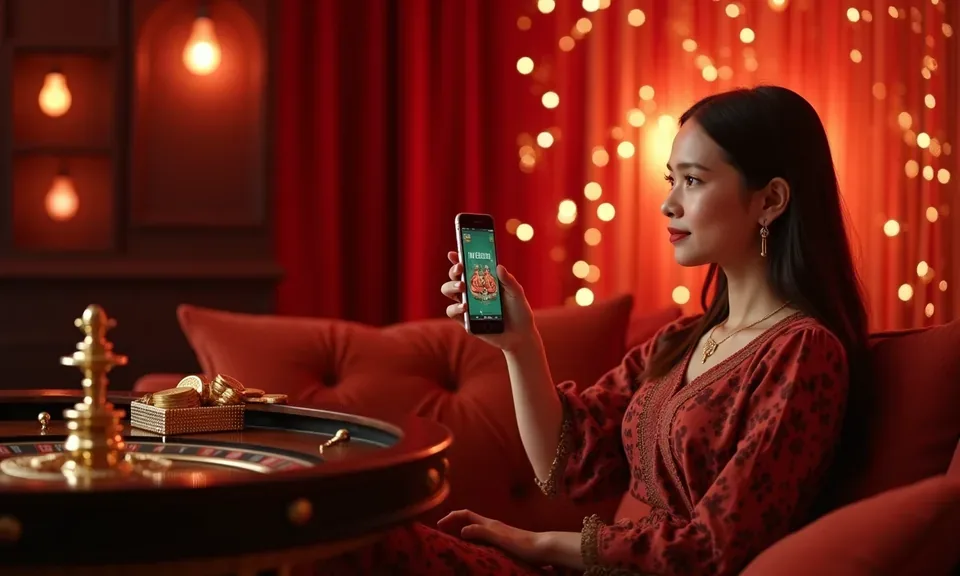
DEVICE COMPATIBILITY CHECK

What Devices and Browsers Work With se7wins

Before your first session, it helps to confirm your setup meets the basic requirements for smooth lobby access. The checklist below covers browser, screen layout and account conditions.

01

Browser requirement

Chrome and Safari are the most consistently supported mobile browsers. Keep your version current — older builds may not render the live table layout or handle wallet redirects correctly.

02

Screen and orientation

The lobby adapts to screens from small Android handsets up to tablet displays. Portrait mode works for slots and the betslip; landscape mode is preferable for live tables with full chip rows visible.

03

Account login requirement

A verified se7wins account is required before accessing real-money rooms. Account verification uses SMS OTP and can be completed entirely on a mobile screen.

04

Wallet connection

DANA, OVO and GoPay are the primary mobile wallets that connect to the deposit flow. Your wallet app should be active and linked to the same phone number as your account.

05

Region eligibility

Access to the full lobby depends on your location and local law. Check whether your region is currently supported before completing account setup.

se7wins Full Lobby Features in Your Pocket

Full Lobby Features in Your Pocket

Opening se7wins from your phone browser gives you the complete experience — Pragmatic Play slots like Gates of Olympus, Evolution live tables, and the sportsbook covering Liga 1 football and European fixtures all load from the same session. Push notifications alert you when the tables you follow are active. Quick deposit buttons connect directly to your OVO or GoPay wallet so you

top up without switching apps manually. If your device supports biometric authentication, fingerprint login shortens the return path significantly. The layout adapts to portrait and landscape, so the betslip stays usable however you hold the phone.

Common Questions About the se7wins Mobile Experience

These are the questions we hear most often about accessing se7wins on a phone — answered directly so you know what to expect before you open the lobby.

The se7wins mobile experience runs through your browser rather than a separately listed app. Check the current site for any native app availability; we'll update that page if a build is released.

Yes, if your device supports biometric authentication you can enable fingerprint login from your account settings. It replaces the password step for returning sessions on the same device.

Chrome and Safari handle the full lobby consistently on Android and iOS. Keep your browser updated — older versions can interrupt live table streams or block wallet redirect steps.

Yes. Your account session is tied to your login, not your device. Sign in on desktop and your wallet balance, bet history and lobby preferences are all there exactly as you left them.

Go to the deposit section, select OVO or GoPay, and the page redirects you to your wallet app for PIN confirmation. The balance updates in your se7wins account once the wallet confirms the transfer.

The sportsbook section is available in the mobile browser alongside slots and live tables. Football including Liga 1 fixtures is listed there, subject to availability and local law in your region.
Reference

se7wins App

Service availability depends on eligible regions and local law. Users should check local rules before opening an account.

Access may be available only where local law permits.